A complete 2026 visitor sign-in system guide covering digital registration, QR and kiosk check-in, host approvals, badge printing, live tracking, privacy, integrations and provider selection.
A visitor arrives at reception. They may be an expected client, a contractor, a delivery driver, a job candidate, a parent, a patient’s relative or a first-time guest who is unsure where to go. The quality of the next two minutes affects security, privacy, front-desk workload and the visitor’s impression of the organisation.
A modern visitor sign-in system replaces paper logbooks with digital registration, identity-aware check-in, host approvals, QR passes, badge printing and live visitor tracking. It creates a consistent arrival process while giving reception, security and management teams reliable information about who is expected, who has arrived and who remains on-site.
This global 2026 guide explains how digital visitor registration works, which check-in methods are available, how to design a secure visitor badge printing process, what different industries require, and how buyers should evaluate visitor check-in software.
Table of Contents
- What a Visitor Sign-In System Is
- Visitor Sign-In vs Registration vs Visitor Management
- Why Organisations Need Digital Check-In
- How a Visitor Sign-In System Works
- Visitor Check-In Methods Compared
- Essential Features
- Visitor Badge Printing Guide
- Industries That Use Visitor Sign-In Systems
- Security, Privacy and Accessibility
- Integrations and Deployment Options
- Implementation Best Practices
- Common Mistakes
- Visitor Check-In Trends for 2026
- How to Choose a Provider
- Frequently Asked Questions
Quick Answer: What Is a Visitor Sign-In System?
A visitor sign-in system is software that digitally registers guests, verifies visit details, requests approval, records arrival and departure, issues QR or printed badges, notifies hosts and provides a live record of visitors on-site.
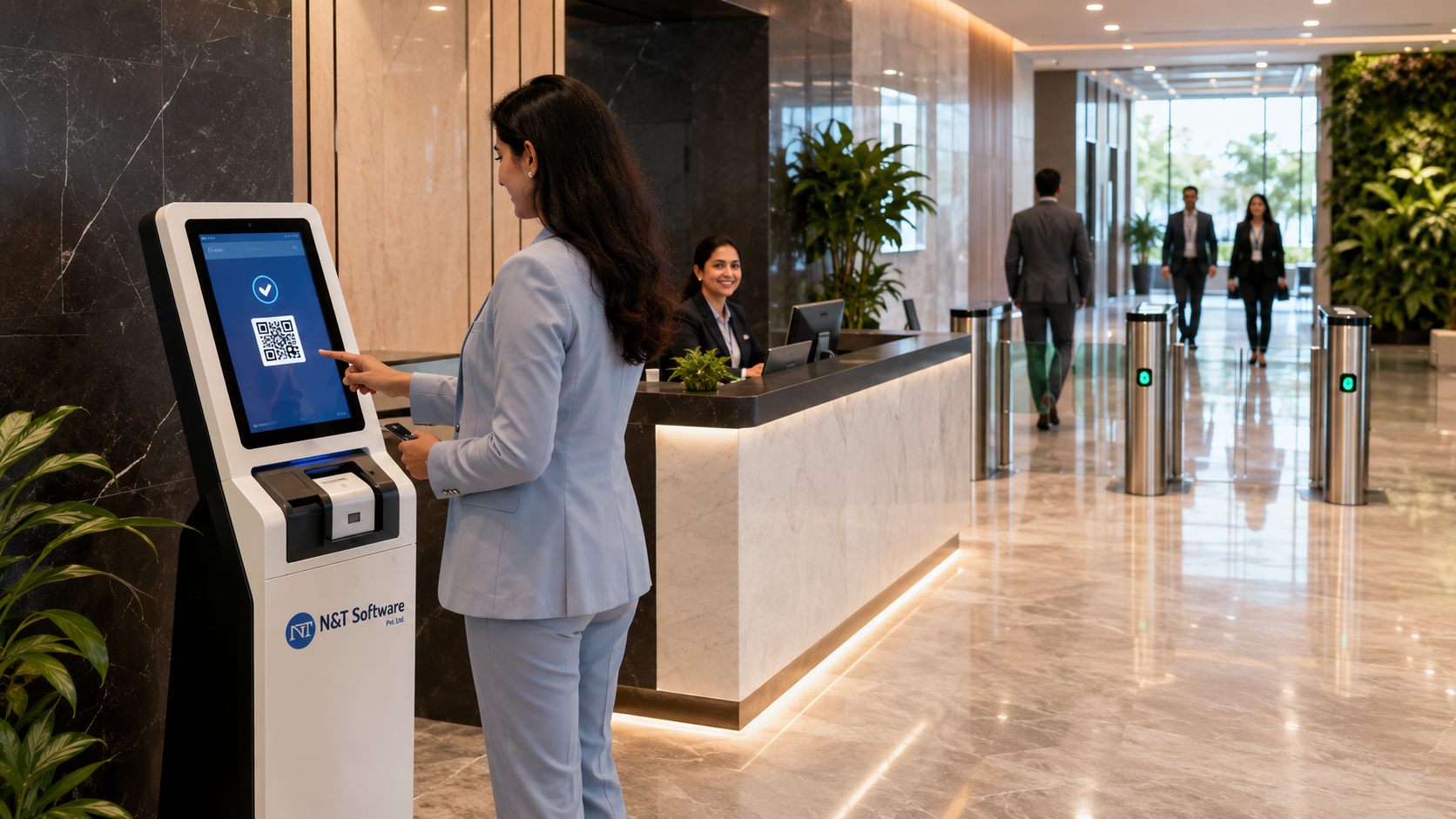
It can run on a receptionist’s desktop, tablet, self-service kiosk, mobile browser or a combination of these. The best setup depends on visitor volume, security risk, accessibility, entry points, network reliability and the type of people entering the facility.
What Is a Digital Visitor Sign-In System?
A digital visitor sign-in system is the front-door workflow used to collect required visitor details and create an auditable check-in record. Instead of writing a name in a paper register, the visitor completes a structured form, scans a pre-issued QR code or provides details to a receptionist or security guard.
The platform can connect the visitor with a host, department, meeting, delivery, patient, tenant, work order or approved purpose. Once the visit is accepted, the system can issue a digital pass, print a visitor badge, notify the host and show the visitor as currently on-site.
Digital sign-in software is useful because it standardises a process that is often inconsistent. Without a system, one guard may request identification, another may not, and a busy receptionist may forget to record check-out. A configured workflow applies the same required steps while allowing authorised exceptions.
Visitor Sign-In System vs Visitor Registration System vs Visitor Management System
These terms are related, but they describe different levels of functionality.
In practice, many modern products combine all three. Buyers should therefore compare actual workflows rather than relying on product labels. A tool advertised as a visitor sign-in app may be sufficient for a small office but lack multi-location permissions, contractor controls or access-control integrations required by a factory, hospital or commercial tower.
Why Businesses Need a Visitor Sign-In System
Paper Logbooks Create Privacy and Accuracy Problems
Paper registers can expose previous visitors’ names, phone numbers, companies and destinations. Handwriting may be unreadable, required fields may be skipped, and searching months of records is slow. Physical storage and destruction are also difficult to control consistently.
Reception Teams Need a Faster, Repeatable Process
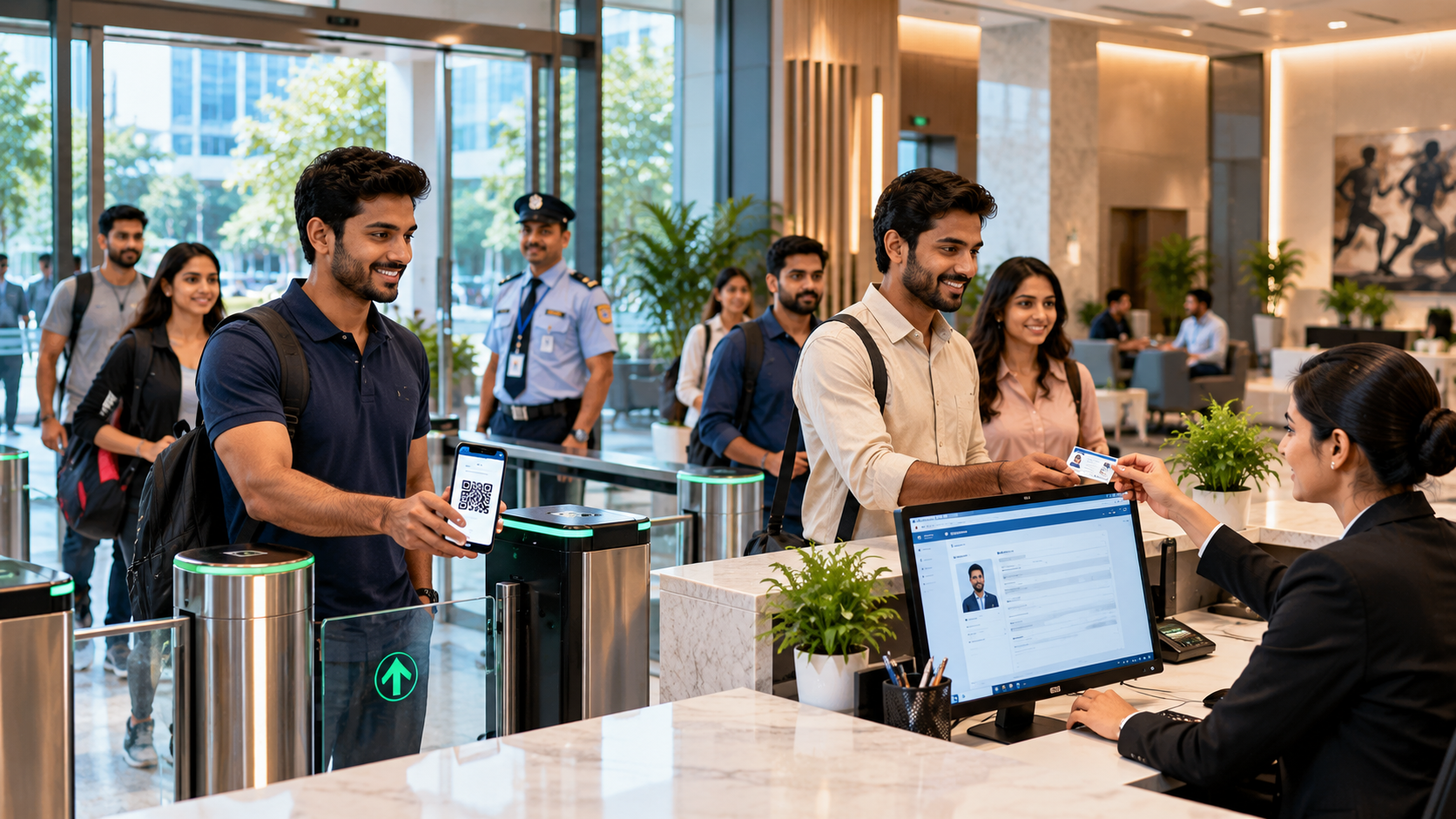
A digital workflow guides each visitor through the correct questions. Expected visitors can scan a QR code and complete check-in in seconds, while first-time or high-risk visitors can follow a more detailed approval process.
Security Needs to Know Who Is Inside
A visitor tracking dashboard can show expected, waiting, approved, checked-in, overdue and checked-out visitors. This is important for emergency evacuation, incident investigation and daily building security.
Hosts Need Immediate Arrival Notifications
Automated email, SMS, mobile or dashboard notifications reduce reception calls and waiting time. The visitor can be admitted only after the correct host or department confirms the visit.
Organisations Need Better Audit Evidence
Searchable records help answer practical questions: Who approved this visitor? Which badge was issued? When did the visitor enter and leave? Which branch or gate handled the visit? Was a policy or safety instruction acknowledged?
How a Visitor Sign-In System Works
A complete digital visitor journey commonly follows eight steps.
- Pre-registration: The host or visitor enters the expected date, time, destination and purpose. A unique invitation or QR code is created.
- Arrival: The visitor checks in at a reception desk, tablet, kiosk, gate or mobile web page.
- Registration: Required details are collected. Fields can change by visitor type, location or risk level.
- Notice and acknowledgement: The visitor reviews privacy information, safety rules, confidentiality terms or site instructions.
- Verification and approval: The system validates the invitation or routes the request to an authorised host, department or security role.
- Pass or badge issuance: An approved visitor receives a QR pass, printed label, temporary card or other credential.
- On-site tracking: The dashboard records that the visitor is inside. Optional integrations can control gates, doors, lifts or parking.
- Check-out: Departure is recorded, the credential expires and the visit is closed according to the retention policy.
Different visitor categories can follow different paths. A scheduled client may scan a QR code and enter quickly. A contractor may need document checks and safety induction. A delivery driver may be routed to a loading gate. A walk-in visitor may require manual approval.
Visitor Check-In Methods Compared
Essential Features of Visitor Sign-In Software
1. Visitor Pre-Registration
Hosts should be able to schedule visitors, define the location and purpose, add instructions and send a secure invitation. Bulk pre-registration is useful for events, interviews, training sessions and group visits.
2. Configurable Registration Forms
The platform should collect different fields for guests, contractors, vendors, drivers, deliveries and interview candidates. Avoid asking every visitor for the maximum possible information.
3. QR Code and Contactless Check-In
Unique, time-limited QR codes can reduce lobby queues. The code should point to a secure record or token and should not contain readable personal data.
4. Host Approval and Notifications
Approval rules should support direct hosts, departments, multiple approvers, after-hours escalation and rejection reasons. Notification channels may include email, SMS, app or dashboard alerts.
5. Visitor Badge Printing
A connected badge printer can produce an approved pass with the visitor’s name, company, photograph, host, destination, visitor type, issue time, expiry and QR code.
6. Check-In and Check-Out Tracking
The system should distinguish expected, waiting, denied, approved, on-site and completed visits. Automated reminders can prompt overdue visitors or hosts to complete check-out.
7. Multi-Location and Multi-Gate Management
Central teams need consolidated reporting, while local users should see only authorised branches, gates, departments or tenants.
8. Role-Based Access and Audit Logs
Reception, security, administrators, hosts and auditors need different permissions. Sensitive exports, retention changes and configuration updates should be logged.
9. Emergency Visitor Lists
Security teams should be able to access a current list of visitors and contractors during an evacuation, lockdown or incident, including a practical contingency if the primary network is unavailable.
10. Integrations and APIs
Common integrations include employee directories, calendars, access control, parking, turnstiles, lifts, badge printers, HR platforms, tenant systems, email and messaging services.
Visitor Badge Printing System: Complete 2026 Guide
Badge printing turns a digital approval into a visible, time-bound credential. It helps employees and security teams distinguish authorised visitors from people who have not completed the registration process.
What Should a Visitor Badge Include?
- Visitor name and, where appropriate, photograph
- Company or organisation
High-Intent Buyer Requirements
- Pre-registration, walk-in and assisted digital registration
- QR, OTP, kiosk and reception check-in options
- Host approvals, badge printing and notifications
- Live visitor status, privacy and audit reports
Related Visitor Management Resources
N&T Software Visitor Management System — Explore visitor check-in, approvals, QR passes, badges, alerts and reporting.
Visitor Management System Pricing — Review N&T plans and request complete pricing.
Visitor Sign-In System Guide — Compare digital registration, check-in and badge workflows.
Visitor Badge Printing and QR Pass Guide — Plan secure temporary credentials.
Visitor Data Privacy and Retention Guide — Improve data collection, access and retention controls.
Book a Free Visitor Management Demo
Contact N&T Software to discuss your industry, branches, gates, visitor volume, approval workflow, hardware and integrations.