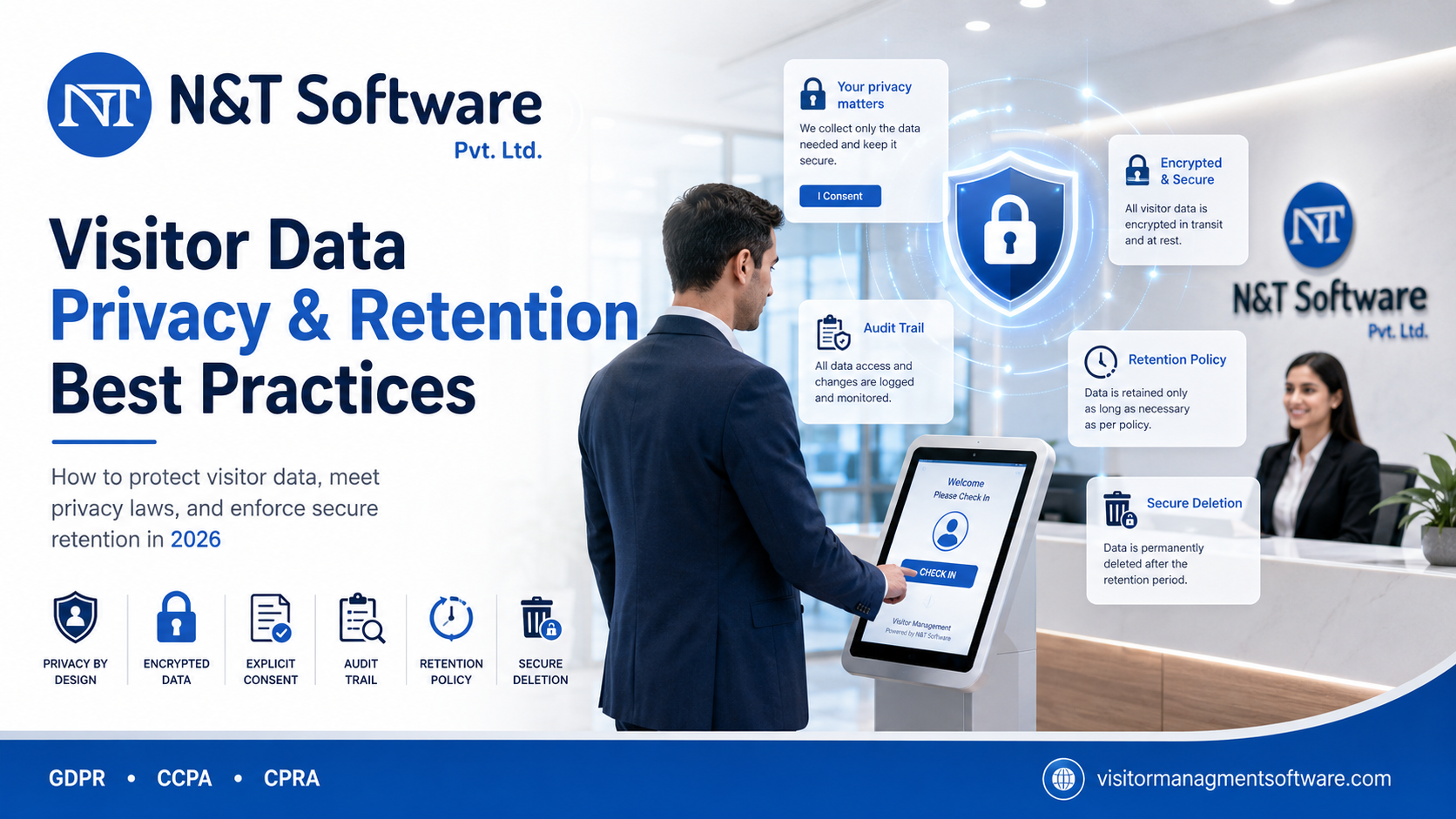
Learn how to protect visitor information with seven essential data privacy and retention best practices for 2026. This guide covers GDPR, CCPA and CPRA requirements, consent, encryption, access controls, audit trails, secure deletion and the risks of paper visitor logbooks.
Every visitor who signs in at your front desk hands over personal information: their name, phone number, photo, sometimes even a government ID scan. That data creates real legal exposure the moment it is collected, and most organizations are still handling it with a paper logbook or a shared spreadsheet, neither of which meets modern privacy law. This guide covers what visitor data privacy and retention best practices look like in 2026, what regulators expect, and how to close the gaps before they become a breach or a fine.
What Counts as Visitor Data?
Visitor data is any personal information collected during check-in: full name, phone number, email address, employer, vehicle license plate, a photo captured at sign-in, host name and department, and the reason for the visit. In most jurisdictions this qualifies as personally identifiable information and is subject to the same protections as customer or employee data.
Why Visitor Data Privacy Matters More Than Ever
Regulations such as the GDPR in Europe and the CCPA and CPRA in California now explicitly cover visitor logs. A sign-in sheet left open at reception, a spreadsheet emailed between departments, or a paper log that never gets shredded can each trigger a compliance violation, with fines and reputational damage that far outweigh the cost of fixing the process.
GDPR Requirements for Visitor Logs
Under GDPR, visitor data must be collected for a specific stated purpose, retained no longer than necessary, protected with appropriate security measures, and made available to the visitor on request. Both the right to access and the right to erasure apply.
CCPA and CPRA Requirements
California's CCPA and CPRA give visitors the right to know what data is collected about them and to request deletion. Businesses must disclose their data practices at or before the point of collection, meaning a sign-in kiosk needs a visible privacy notice, not just a signature line.
Seven Visitor Data Privacy and Retention Best Practices
1. Collect Only What You Need
Limit fields to name, contact information, host, and purpose of visit. Every extra field, such as ID numbers or home addresses, is data you now have to secure, retain, and eventually delete. Minimal collection is also a core principle of GDPR's data minimization requirement.
2. Set a Clear, Written Retention Window
Most organizations retain visitor logs for 30 to 90 days, unless a specific legal, safety, or audit requirement calls for longer. Put the retention period in writing, communicate it in your visitor privacy notice, and automate deletion so no one has to remember to purge old records manually.
3. Encrypt Data at Rest and in Transit
Paper logs and unsecured spreadsheets offer no real protection. Digital visitor records should be encrypted both while stored and while being transmitted, with access restricted to staff who have a genuine business need to see it.
4. Get Explicit, Informed Consent
Show visitors exactly what data you are collecting, why, and how long you will keep it, before they sign in, not buried in fine print. Clear consent is the first impression your organization makes on every guest.
5. Maintain an Access Audit Trail
Log who viewed, exported, or edited visitor data, and when. If a regulator or auditor ever asks who accessed a given record, you should be able to answer in seconds, not days.
6. Have a Documented Deletion Process
Automatic deletion at the end of your retention window should be the default, but you also need a manual process for early deletion requests, required under both GDPR's right to erasure and the CCPA's deletion rights.
7. Train Front-Desk Staff on Data Handling
The best privacy policy fails if the person at reception leaves a visitor list open on a public monitor. Train staff on what they can and cannot share, and how to handle a visitor's data request.
Paper Logbooks vs. Digital Visitor Management Systems
A paper logbook exposes every visitor's name and details to anyone who flips through it, including other visitors. It cannot enforce a retention window, cannot encrypt anything, and cannot prove who accessed it. A digital visitor management system automates retention, encrypts records by default, captures consent at check-in, and keeps a full audit trail, turning compliance from a manual chore into something that happens automatically in the background.
Common Mistakes That Undermine Visitor Data Compliance
- Leaving printed visitor logs or sign-in sheets visible at the front desk
- Keeping visitor records indefinitely instead of enforcing a retention window
- Sharing visitor spreadsheets over unencrypted email or shared drives
- No documented process for handling a visitor's deletion request
- Treating consent as a formality instead of clearly communicating what's collected
Quick Compliance Checklist
- Retention window documented and enforced automatically
- Visitor consent notice displayed at check-in
- Data encrypted at rest and in transit
- Access logs reviewed on a regular schedule
- Front-desk staff trained on data handling procedures
Frequently Asked Questions
How long should you keep visitor log data?
Most organizations keep visitor records for 30 to 90 days, unless a specific legal, security, or industry requirement calls for a longer period. The key is documenting the window and enforcing it consistently.
Is visitor sign-in data covered by GDPR?
Yes. Any personal information collected from a visitor, including name, contact details, and photo, is considered personal data under GDPR and must be handled accordingly.
Can visitors request their data be deleted?
Under GDPR and CCPA, yes. Visitors have the right to request deletion of their personal data, and organizations need a documented process to fulfill that request promptly.
The Easiest Way to Get Compliant
Most of these best practices become automatic the moment you replace a paper sign-in sheet with a digital visitor management system. Retention rules, encryption, consent screens, and audit trails are all handled for you, so your front desk stays compliant without adding work for your team.
Ready to see how much simpler visitor compliance can be? Book a demo today and find out how quickly your lobby can go from liability to asset.