A practical 2026 guide to visitor management for food factories, covering hygiene declarations, contractors, delivery drivers, restricted zones, food defense, privacy, implementation and pricing.
Food Manufacturing Visitor Management System: Hygiene, Contractors & Food Defense Guide 2026
Food factories receive suppliers, maintenance contractors, auditors, laboratory technicians, transport drivers, customers and regulatory visitors. Each person may need a different approval path, hygiene declaration, induction, escort rule, access zone and check-out process.
A food manufacturing visitor management system digitizes these steps so security, quality, food-safety, engineering and operations teams can see who is expected, why they are visiting, which areas they may enter and whether they have left. It does not replace a food-safety plan, food-defense plan or legal assessment; it supports the facility’s approved procedures with consistent records and alerts.
Quick Answer: What Is a Food Manufacturing Visitor Management System?
It is visitor and contractor software configured for food factories, processing plants, beverage facilities, bakeries, dairies, meat or seafood processors, ingredient sites, cold stores and distribution centres. It can combine pre-registration, host approval, identity checks, health or hygiene questions, safety acknowledgements, badge or gate-pass issuance, restricted-zone permissions, escort status, check-in, check-out and searchable reports.
The strongest deployment begins with the plant’s existing visitor, hygiene and food-defense policies. The software should reflect those controls rather than inventing new rules at the gate.
Why Food Factories Need a Dedicated Visitor Workflow
A standard office visitor form is rarely enough for a production site. A visitor may cross from reception into raw-material intake, high-care production, laboratories, engineering rooms, cold storage, utilities or dispatch. The correct workflow depends on visitor type, visit purpose, facility risk assessment and local requirements.
Food facilities also need to separate security, food safety, occupational safety and privacy decisions. For example, a health declaration may support hygiene controls, while an escort rule supports physical access. Recording both in one approved workflow can make responsibilities clearer without treating one control as a substitute for another.
Common Visitor Types in Food Manufacturing
- Suppliers attending commercial or quality meetings
- Maintenance contractors working on production or utility equipment
- Cleaning, pest-control and sanitation service teams
- Auditors, inspectors and certification-body representatives
- Transport drivers collecting or delivering materials
- Laboratory, calibration and technical service specialists
- Customers, investors and approved plant-tour guests
- Interview candidates, consultants and temporary project personnel
A different digital form and approval chain can be assigned to each category. A driver may remain in a controlled logistics zone, while a maintenance contractor may require engineering approval, induction confirmation and an escort into production.
Recommended End-to-End Visitor Workflow
1. Invitation or pre-registration
The host or approved department enters the visitor’s name, organization, reason for visit, expected time, visitor category and required access area. Pre-registration gives security and quality teams time to review exceptions before arrival.
2. Department and risk-based approval
The system routes the request to the responsible function. A routine office meeting may need host approval only. Production access may also require quality, food-safety, engineering, EHS or security review according to company policy.
3. Pre-arrival instructions
The visitor receives approved directions, arrival time, parking or gate details, prohibited-item rules, clothing expectations and any documents that must be presented. Instructions should be available in languages suitable for the site’s visitor population.
4. Identity and visit verification
At arrival, security verifies the invitation and the minimum identity information required by policy. The system should not collect full identity-document copies merely because the technology can do so.
5. Health, hygiene and safety declaration
Where the facility requires it, the visitor completes a current declaration covering relevant illness symptoms, recent exposure questions, hygiene rules, protective clothing and prohibited activities. Questions should be approved by qualified food-safety and legal personnel.
The UK Food Standards Agency’s personal-hygiene guidance includes an example of asking visitors entering food-handling areas to sign a health declaration. Facilities should adapt any declaration to their own law, policy and risk assessment.
6. Induction and acknowledgement
The visitor reviews the applicable induction for the access zone. This may cover handwashing, jewellery, allergens, photography, glass and brittle-plastic rules, pedestrian routes, emergency alarms, contamination reporting and escort requirements.
7. Badge, QR pass or gate pass
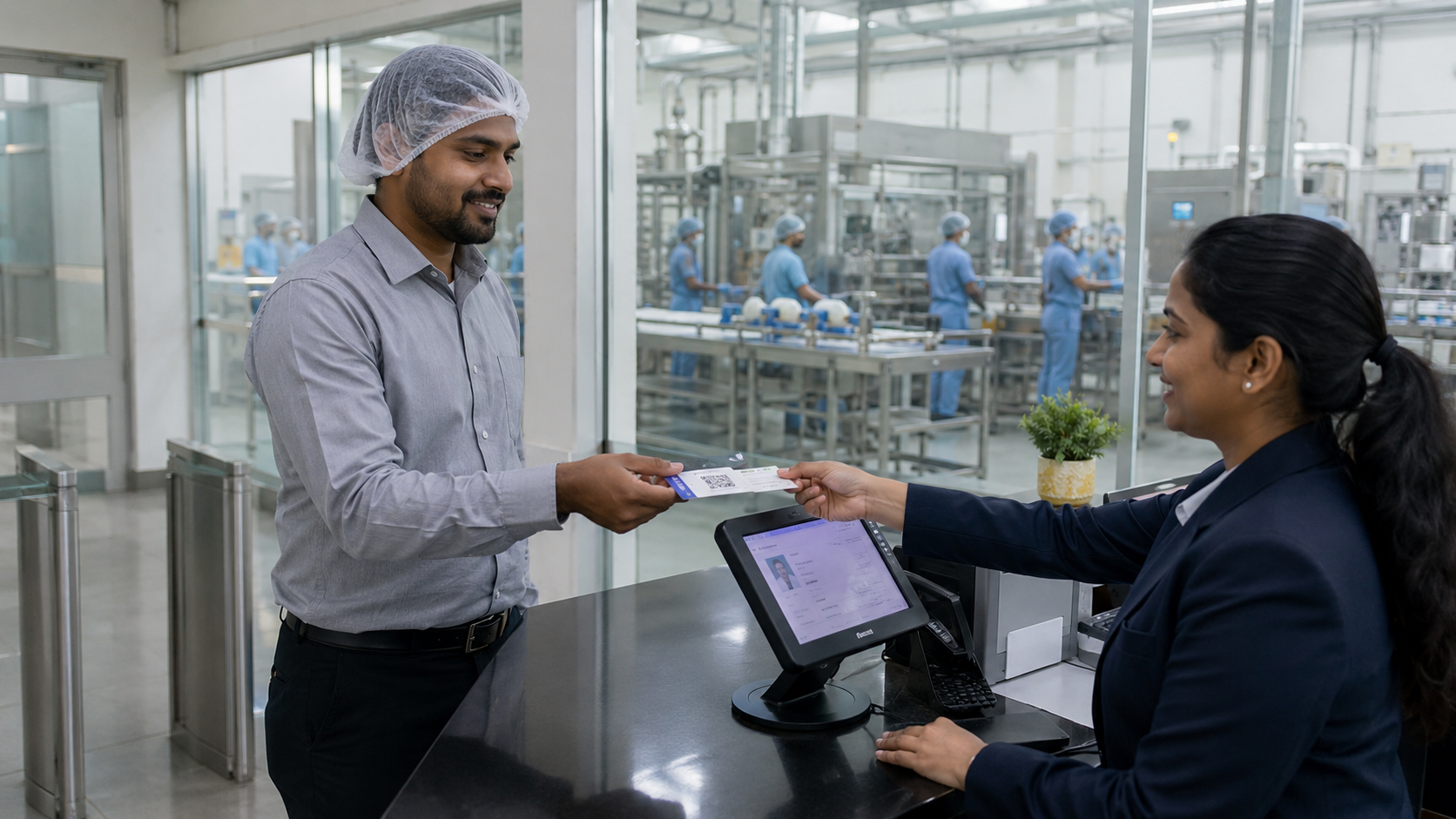
After approval, the system issues a time-limited badge or digital pass showing the visitor category and permitted area. Visual identification should be simple for employees and guards to understand without exposing unnecessary personal data.
8. Escort and zone control
A host or trained escort accepts responsibility where policy requires. The workflow can record escort name, destination, permitted zone and transfer of responsibility if the visitor moves between departments.
9. Check-out and return of issued items
The visitor checks out, returns temporary cards or protective equipment as applicable, and records any required completion confirmation. Unclosed visits should appear on a live exception list.
10. Reporting and review
Authorized teams review missed check-outs, denied visits, frequent contractors, high-traffic zones, declaration exceptions and emergency lists. Reports should support investigation and improvement, not become an unlimited archive.
Food Hygiene Controls the System Can Support
- Visitor health or illness declarations configured by the facility
- Acknowledgement of handwashing and protective-clothing rules
- Zone-specific instructions for low-risk, high-care or high-hygiene areas
- Confirmation of restrictions on food, drink, jewellery, photography or personal items
- Issue and return records for visitor PPE or temporary garments
- Escalation to quality or food-safety staff when an answer requires review
The system should not automatically make a medical or legal decision from a declaration unless the organization has approved that rule. A neutral hold-and-review state is safer than displaying sensitive answers to everyone at reception.
Food Defense and Restricted-Area Access
Food defense concerns intentional adulteration or tampering. The FDA food-defense overview explains the role of vulnerability assessment, mitigation strategies, monitoring, corrective action and verification for covered facilities. Visitor software can support access records, but it is not itself a food-defense plan.
FDA’s mitigation examples include screening employees, contractors and visitors at facility entrances and restricting visitor access to food-handling and storage areas.
Practical digital controls may include pre-approval for production areas, time-limited access, separate badges for escorts, alerts for unexpected arrivals, zone-level permissions and a record of who authorized entry. Facilities should align these settings with the documented vulnerability assessment and never imply that a visitor log alone prevents intentional adulteration.
Contractor and Maintenance Access
Maintenance teams can create a greater operational need than ordinary visitors because they may work near open product, utilities, chemicals, control panels or food-contact equipment. The workflow should link the contractor to the work order or visit purpose without duplicating the full maintenance system.
Useful contractor fields may include employer, responsible engineer, work area, planned start and finish, induction status, permit reference, tools or equipment brought on site, escort requirement and completion status. Any permit-to-work process should remain under the facility’s approved safety system.
Delivery Drivers, Loading Bays and Warehouses
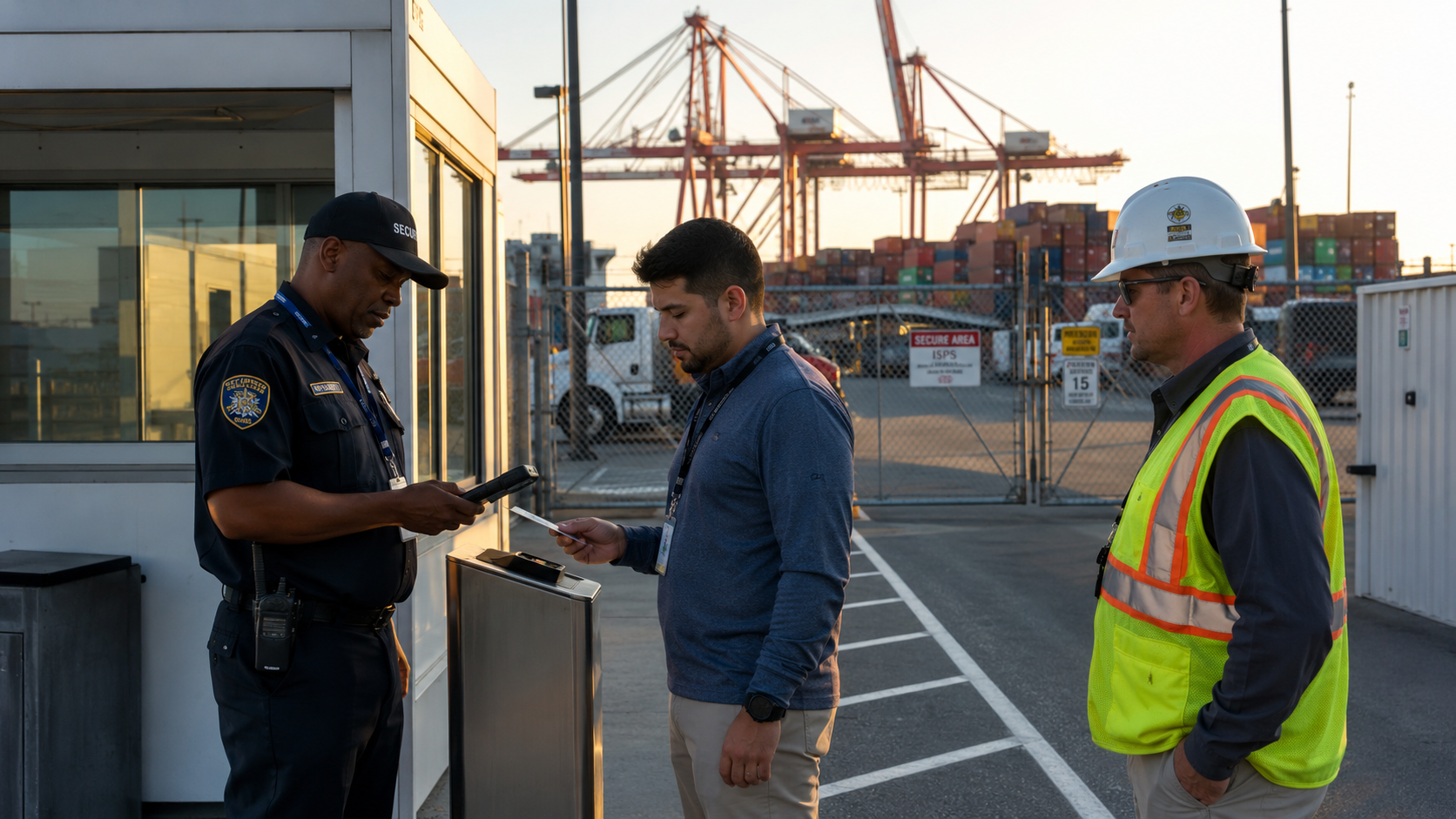
Drivers may not need access to production, but they still require controlled arrival, vehicle identification, dispatch or receiving confirmation and clear waiting zones. Separating driver check-in from visitor reception can reduce congestion while preserving a reliable entry and exit record.
For inbound and outbound logistics, the system can record company, vehicle, trailer, purpose, contact department, arrival time, bay assignment reference and departure. Material details should remain in the ERP, warehouse or gate system unless a defined integration is approved.
Auditors, Inspectors and Customer Visits
Auditors and inspectors often need access to several departments, documents and production areas. Pre-registration helps the site prepare the correct host, meeting room, PPE and route. The badge should identify the visitor clearly, while the system records approvals and escort responsibility.
Customer tours may require photography restrictions, route planning and group check-in. A group invitation should still preserve an individual on-site list for emergency accountability.
Features to Evaluate in Food Factory Visitor Software
- Configurable visitor categories, forms and approval chains
- QR or OTP pre-registration and assisted security-desk entry
- Health, hygiene, safety and confidentiality acknowledgements
- Time-limited badges, passes and zone indicators
- Contractor, supplier, driver, auditor and group-visit workflows
- Live on-site list, overdue check-out alerts and emergency roll call
- Role-based access by plant, gate, department and responsibility
- Searchable audit history and controlled export
- Multi-plant administration with local policy variations
- Integration options for directories, access control, printers or approved operational systems
Security, Privacy and Data Retention
Food-factory visitor records can include identity information, health declarations, photographs, vehicle data, signatures and visit history. Some of these fields may be sensitive under applicable law. Collect only what the organization has justified, show an appropriate privacy notice and restrict sensitive answers to personnel who need them.
Use separate permissions for security, quality, reception, engineering and administrators. Define retention by record type rather than keeping every declaration, ID detail and photograph indefinitely. Log exports and administrative changes, document deletion procedures, protect backups and review cross-border hosting where relevant.
Biometric identification should be optional and subject to a separate necessity, accuracy, legal and security review. A conventional QR, OTP, badge or assisted check-in workflow may meet the requirement with less sensitive data.
Industry Use Cases
Dairy and chilled-food plants
These sites may require strict route control, cold-area PPE, health declarations and time-sensitive delivery workflows. Visitor and driver processes should remain distinct.
Bakeries, confectionery and ingredient factories
Relevant controls can include allergen-area instructions, jewellery restrictions, protective clothing, production-tour routes and contractor approvals.
Meat, poultry and seafood processing
Facilities may use stronger hygiene zoning, biosecurity questions, controlled changing procedures and escorted movement. The exact workflow must follow site policy and applicable veterinary or food rules.
Beverage and bottling plants
Common needs include multi-gate supplier entry, laboratory visitors, engineering contractors, packaging deliveries and restricted access to processing or utility areas.
Cold storage and distribution centres
The emphasis may be driver turnaround, loading-bay coordination, temperature-zone PPE, warehouse access and emergency visibility rather than reception experience.
Multi-site food groups
A central platform can standardize core visitor categories and reports while allowing each plant to maintain approved local declarations, languages, gates and escalation contacts.
Implementation Guide for Food Manufacturers
- Map every visitor type, entrance and destination zone before configuring forms.
- Assign policy owners from security, quality, food safety, EHS, engineering, HR, IT and operations.
- Define which questions are required for each visitor category and why.
- Design approval routes for office-only, warehouse, production, laboratory and high-hygiene access.
- Write neutral exception messages and clear escalation instructions.
- Configure badge colors or labels without exposing sensitive information.
- Pilot one gate and a limited set of visitor categories.
- Test peak delivery periods, contractor arrivals, group tours, denied entry and network outages.
- Train guards, reception, hosts, escorts and administrators using real scenarios.
- Review reports, missed check-outs, false escalations and user feedback after launch.
Pricing and Total Cost Considerations
Food manufacturing visitor management software pricing depends on the number of plants, gates, visitor volume, kiosks or tablets, badge printers, languages, custom declarations, access-control connections, directory integrations, hosting, data migration, training and support.
Ask for a written scope separating software subscription or licence, implementation, hardware, messaging, customization, integrations, travel, taxes and ongoing support. Compare a complete multi-year cost rather than only the advertised entry price.
N&T Software’s current pricing page asks buyers to discuss Standard or Enterprise requirements with the team. That is appropriate for food plants because the final scope depends on gates, hygiene workflows, visitor categories and integrations.
How N&T Software Fits This Use Case
N&T Software provides a configurable Visitor Management System with visitor registration, approval, QR or OTP entry, passes, notifications, check-in and check-out, reports, role-based administration and multi-location workflows.
For a food manufacturer, N&T should be evaluated through a demonstration of the exact visitor categories, health or hygiene declarations, approval roles, badge formats, zone controls, emergency list and reporting requirements. Features or integrations that are critical to the plant should be confirmed in a written scope before purchase.
N&T Software is positioned prominently because this article appears on the N&T Visitor Management System website. Buyers should compare the configured workflow, security model, implementation plan, support and total cost against suitable alternatives.
Questions to Ask Vendors
- Can forms and approvals differ by visitor category, plant and access zone?
- Who can view health declarations and other sensitive answers?
- Can the system pause entry for trained human review?
- How are temporary badges, QR passes and access credentials expired?
- Can the live on-site list separate visitors, drivers and contractors?
- What happens during internet, printer or access-control outages?
- How are records exported, retained, corrected and deleted?
- Which costs apply to hardware, messaging, integrations, training and support?
Frequently Asked Questions
What is food manufacturing visitor management software?
It is digital software for registering, approving, instructing, identifying and tracking visitors, contractors, suppliers, drivers, auditors and guests at food-production facilities.
Can the system collect a visitor health declaration?
Yes, when the organization has approved the questions, lawful purpose, access controls and retention period. Sensitive answers should be restricted and routed for appropriate review.
Does visitor software make a food factory compliant?
No. It can support approved procedures and records, but compliance depends on the facility’s laws, risk assessments, policies, training, operational controls and correct use.
Can it manage contractors and maintenance teams?
Yes. A configured workflow can record employer, work purpose, responsible engineer, induction, escort, zone, arrival and departure. It should complement rather than replace permit-to-work and maintenance systems.
Can drivers use a faster workflow than production visitors?
Yes. Driver registration can focus on vehicle, company, shipment purpose, receiving contact, waiting area and exit, while preventing unnecessary production access.
Can visitor access be limited by area and time?
The visitor workflow can issue a time-limited badge or pass and record the approved zone. Physical enforcement depends on guards, escorts or an appropriately integrated access-control system.
What happens during an evacuation?
Authorized staff should be able to view active visitors and contractors, mark status and investigate missed check-outs. The process must be tested with the site’s emergency plan.
How long should visitor records be retained?
There is no universal period. The facility should define justified periods by record type, legal requirement, incident need and privacy principle, then implement deletion and backup controls.
Does N&T Software publish a fixed food-factory price?
The current N&T pricing page asks organizations to discuss their requirements. A food-factory quotation should reflect plants, gates, workflows, devices, integrations, implementation and support.
Related Resources
Industrial Manufacturing VMS Guide
Contractor Visitor Management Guide
Visitor Evacuation and Digital Muster Guide
Visitor Data Privacy and Retention Guide
Final Recommendation
Start with the plant’s real visitor categories, hygiene zones and approval responsibilities. Build the digital workflow around those policies, test it at one gate, verify exception handling and train every person who approves, escorts or checks visitors in and out.
For a tailored demonstration, workflow review and written quotation, contact N&T Software with the number of plants, gates, daily visitors, contractor volume, hygiene declarations, badge requirements and required integrations.