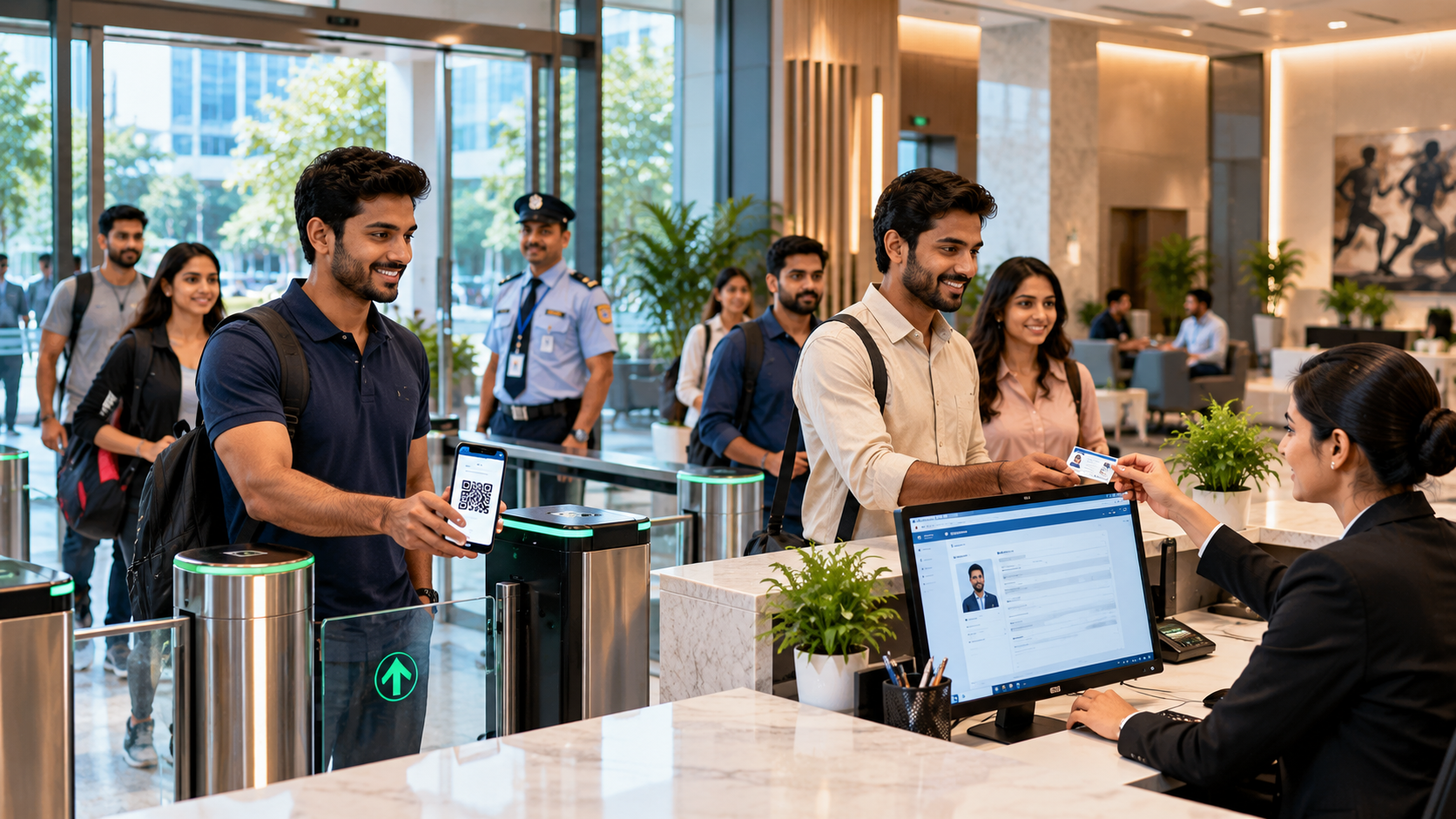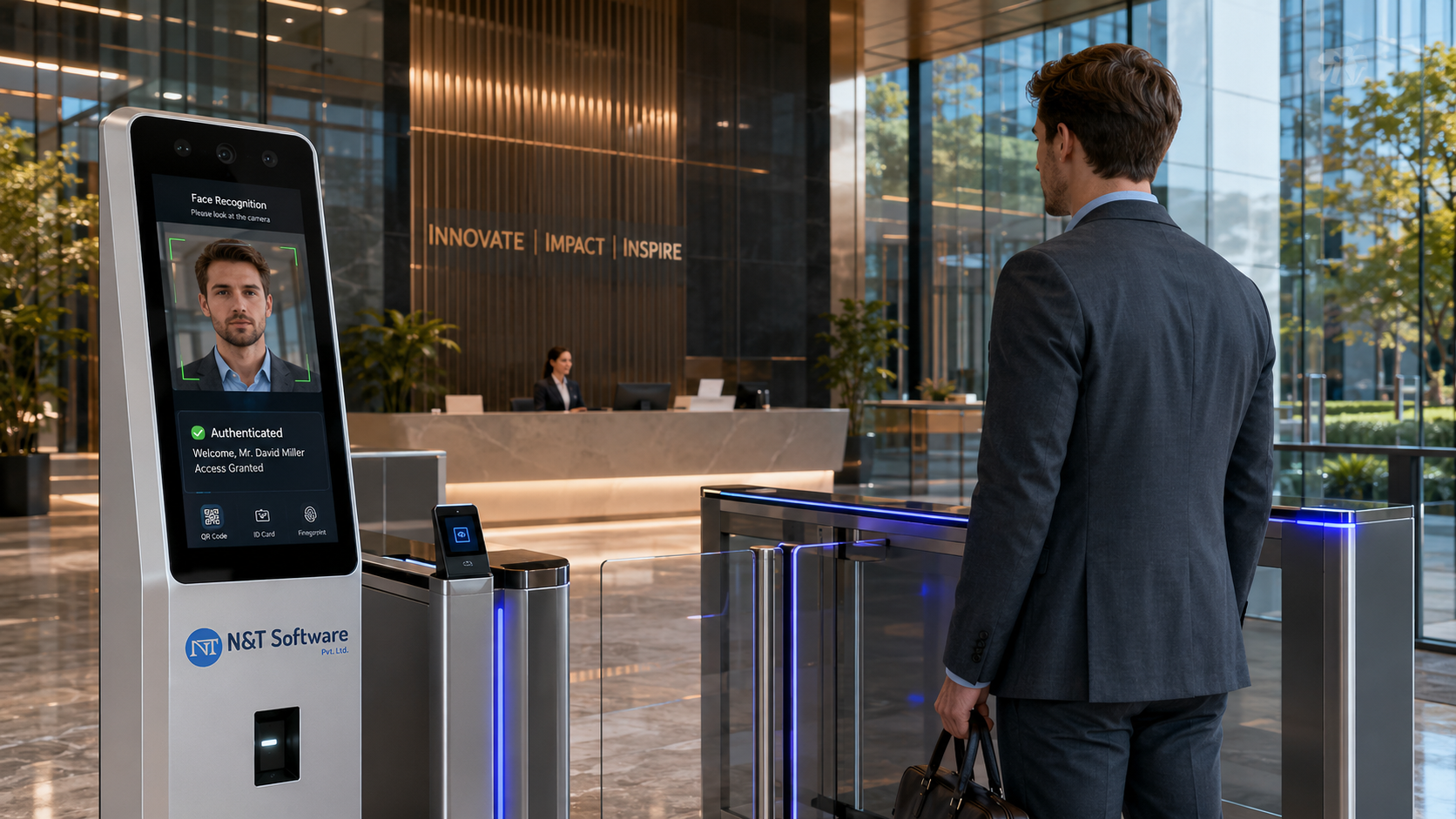
A practical 2026 guide to face recognition visitor management systems, covering biometric verification, contactless entry, privacy, accuracy, liveness detection, access control and responsible implementation.
Face recognition can make visitor entry faster, more contactless and harder to misuse—but it also introduces biometric privacy, accuracy and governance risks that do not exist with an ordinary QR code or printed badge.
A face recognition visitor management system uses facial biometrics to verify or identify a visitor during registration, check-in or access control. It may compare a live camera image with a pre-enrolled visitor record, confirm that the person presenting a QR invitation is the approved guest, or support controlled repeat entry for authorised visitors and contractors.
The technology should not be treated as a fashionable replacement for every visitor sign-in method. It is most defensible when the organisation has a clear security or operational need, can explain why less intrusive alternatives are insufficient, uses reliable liveness and accuracy controls, and gives people a practical non-biometric route where appropriate.
This global 2026 guide explains how facial recognition visitor management works, its benefits and limitations, biometric data privacy, liveness detection, accuracy and bias testing, access-control integration, implementation steps and buyer questions.
Table of Contents
- What a Face Recognition Visitor Management System Is
- Face Verification vs Face Identification
- How Facial Recognition Visitor Check-In Works
- Benefits and Business Use Cases
- Privacy and Legal Considerations
- Accuracy, Bias and Environmental Testing
- Liveness Detection and Spoofing Protection
- Security Architecture and Data Retention
- Face Recognition vs QR, OTP and Badges
- Industries That Use Facial Recognition VMS
- Implementation Framework
- Best Practices and Common Mistakes
- 2026 Trends
- How to Choose a Provider
- Frequently Asked Questions
Quick Answer: What Is a Face Recognition Visitor Management System?
A face recognition visitor management system is software that captures a visitor’s live facial image and compares it with an authorised reference to support identity verification, contactless check-in, pass issuance, access decisions and visitor tracking.
A responsible deployment combines facial matching with clear visitor registration, approval, liveness detection, human review, secure biometric storage, retention limits, audit logs and an alternative check-in process. Facial recognition should assist an access decision, not silently become an unrestricted surveillance system.
How Face Recognition Fits into Visitor Management
A standard visitor management system manages pre-registration, host approval, sign-in, QR passes, badge printing, check-out, reporting and emergency lists. Facial recognition adds a biometric identity step to one or more parts of that workflow.
Common use cases include:
- Confirming that a pre-registered visitor is the person presenting the invitation.
- Speeding up repeat-visitor check-in after authorised enrolment.
- Matching a live visitor with an approved contractor or vendor record.
- Reducing badge sharing or QR-code forwarding at controlled sites.
- Supporting contactless entry at a kiosk, turnstile or security gate.
- Alerting authorised security personnel when a person may match a restricted watchlist, subject to law and policy.
The system still needs a complete digital visitor registration and sign-in workflow . A facial match alone does not prove that the visit is approved, the destination is correct or the person should be admitted at that time.
Face Verification vs Face Identification
The first design decision is whether the system performs one-to-one verification or one-to-many identification. These are not interchangeable.
For most commercial visitor check-in scenarios, one-to-one verification is easier to justify and control. The visitor first claims an identity by scanning a QR code, entering a reference number or selecting a record; the camera then checks whether the live face matches that record.
One-to-many identification can be useful in limited high-security environments, but it requires stronger legal analysis, threshold testing, watchlist governance, human review and false-match procedures. It should not be enabled merely because the vendor offers it.
How a Face Recognition Visitor Management System Works
1. Visitor Pre-Registration
The host, department or visitor creates an expected visit. The record includes the approved location, date, time, purpose and any required instructions. The visitor receives a secure invitation.
2. Enrolment or Reference Image Collection
The visitor provides a suitable reference image through an approved process. Depending on the design, this could be captured during pre-registration, taken from an authorised identity document after legal review, or enrolled during an earlier approved visit.
3. Template Creation
The software extracts measurable facial characteristics and creates a mathematical biometric template. A template is not the same as a normal photograph, but it remains sensitive biometric information and must be protected accordingly.
4. Live Capture at Check-In
At arrival, a kiosk, mobile device or gate camera captures the visitor’s face. Lighting, camera position, distance, head angle, glasses, masks and movement can affect the quality of the sample.
5. Liveness or Presentation-Attack Detection
The system checks whether the camera is seeing a live person rather than a printed photograph, replayed video, screen image, mask or manipulated media. Liveness detection reduces spoofing risk but is not infallible.
6. Matching and Threshold Decision
The algorithm calculates a similarity score between the live sample and the reference. The organisation sets a threshold that determines whether the result is accepted, rejected or routed for manual review. A higher threshold may reduce false matches but increase false rejections.
7. Approval and Access Decision
A successful match does not automatically mean unrestricted entry. The platform should also verify visit approval, permitted time, location, host and access level. It may then issue a digital pass, print a badge or activate selected access-control permissions.
8. Check-Out and Retention
When the visit ends, the pass is deactivated and check-out is recorded. The organisation applies separate retention rules to visit records, reference images, live captures and biometric templates rather than keeping every data type indefinitely.
Benefits of Face Recognition Visitor Management
Faster Contactless Check-In
Approved repeat visitors can complete check-in without typing the same details or handling a shared device. This can reduce queues at high-volume reception areas and controlled gates.
Stronger Binding Between Person and Credential
A QR code, invitation or badge can be forwarded or shared. Facial verification can help confirm that the person presenting the credential is the authorised visitor.
Reduced Badge and Card Misuse
When the face check is linked to a time-limited visitor record, it becomes harder for one person to use another visitor’s pass. This is particularly relevant at industrial, research and critical facilities.
Improved Repeat-Visitor Experience
Authorised caregivers, vendors, service engineers or recurring contractors can receive a faster return process while the organisation maintains expiry, revocation and approval controls.
Better Gate Automation
Facial verification can complement turnstiles, barriers and door access where scanning a badge is inconvenient. The access permission should remain limited by time, location and purpose.
More Consistent Identity Checks
A configured biometric workflow can reduce variation between reception or security staff. However, automation does not eliminate the need for trained human handling of uncertain results, accessibility needs and exceptions.
Improved Auditability
The system can record when verification occurred, which policy was applied, whether human review was required and which credential was issued. Logs should avoid exposing biometric data unnecessarily.
Biometric Privacy: The Most Important Implementation Question
Facial recognition changes the privacy profile of a visitor management project. A name, phone number or company can usually be corrected or replaced. A person cannot meaningfully replace their face if a biometric template is compromised or misused.
Before procurement, the organisation should document:
- The specific purpose of facial recognition.
- Why QR, OTP, a badge, receptionist verification or another method is not sufficient.
- Whether the system uses 1:1 verification or 1:N identification.
- What images and biometric templates are created.
- Where each data type is processed and stored.
- Who can access, search, export or delete biometric records.
High-Intent Buyer Requirements
- Consent, lawful basis and biometric data minimisation
- Liveness detection, accuracy and fallback check-in
- Role-based access and biometric retention controls
- Integration with QR passes, gates and visitor records
Related Visitor Management Resources
N&T Software Visitor Management System — Explore visitor check-in, approvals, QR passes, badges, alerts and reporting.
Visitor Management System Pricing — Review N&T plans and request complete pricing.
Visitor Sign-In System Guide — Compare digital registration, check-in and badge workflows.
Visitor Badge Printing and QR Pass Guide — Plan secure temporary credentials.
Visitor Data Privacy and Retention Guide — Improve data collection, access and retention controls.
Book a Free Visitor Management Demo
Contact N&T Software to discuss your industry, branches, gates, visitor volume, approval workflow, hardware and integrations.